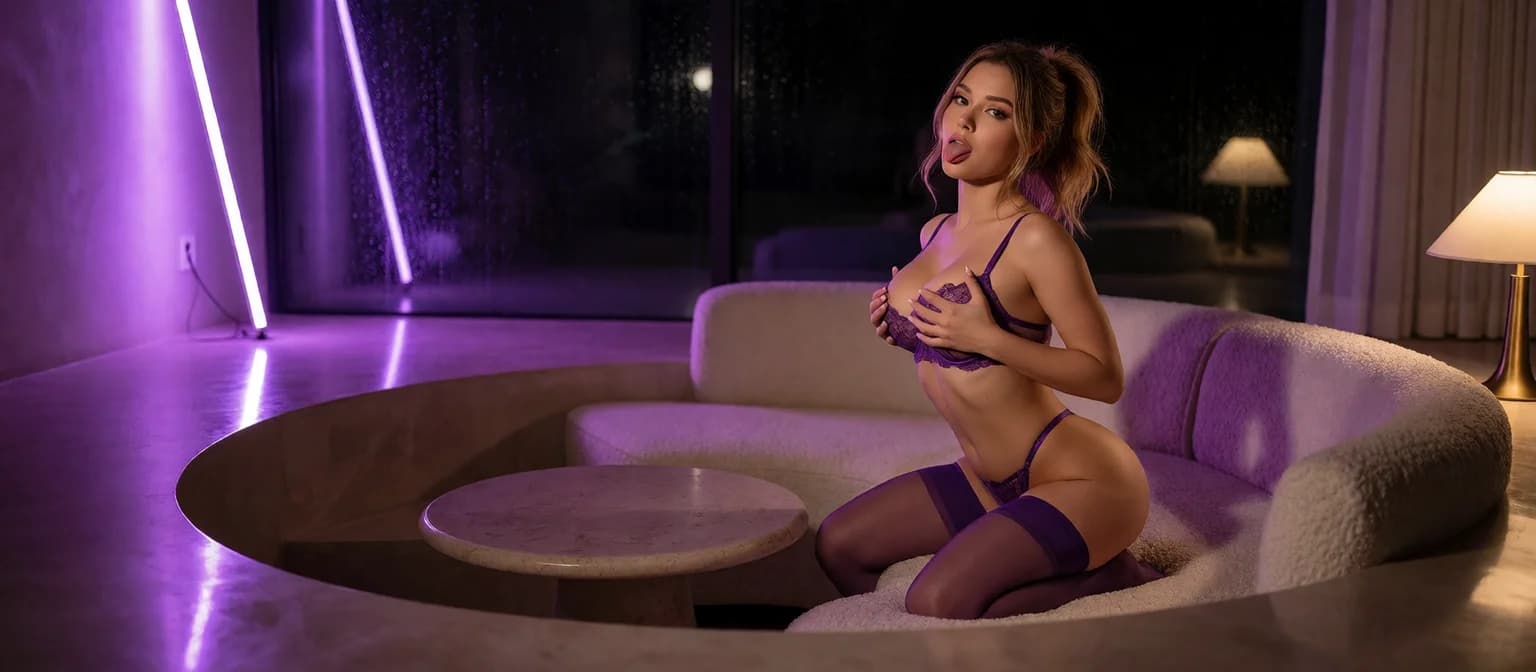
AI Girl Pics: Same Girl, 35 Poses, Photos to Video
The Short Answer: Start With a Girl, Not a Prompt
A great AI girl pic of someone you'll never see again is a screensaver, not a companion. The pictures worth your time come from a girl who's still there tomorrow, with the same face and the same name, and who remembers what you asked for last time.
Short version: I'd start with GoLove.ai, because every picture there comes from a persistent character. You can generate her yourself or ask her for photos mid-chat, and it's the same girl either way. Most one-off generators can't do that. They hand you a new face every run. GoLove ties pictures to a character with Memory and a per-character Gallery.
This article covers three things:
- Preset control: 35 poses, 21 outfits and 34 backgrounds
- In-chat photo requests, new in 2026
- Photos that turn into video
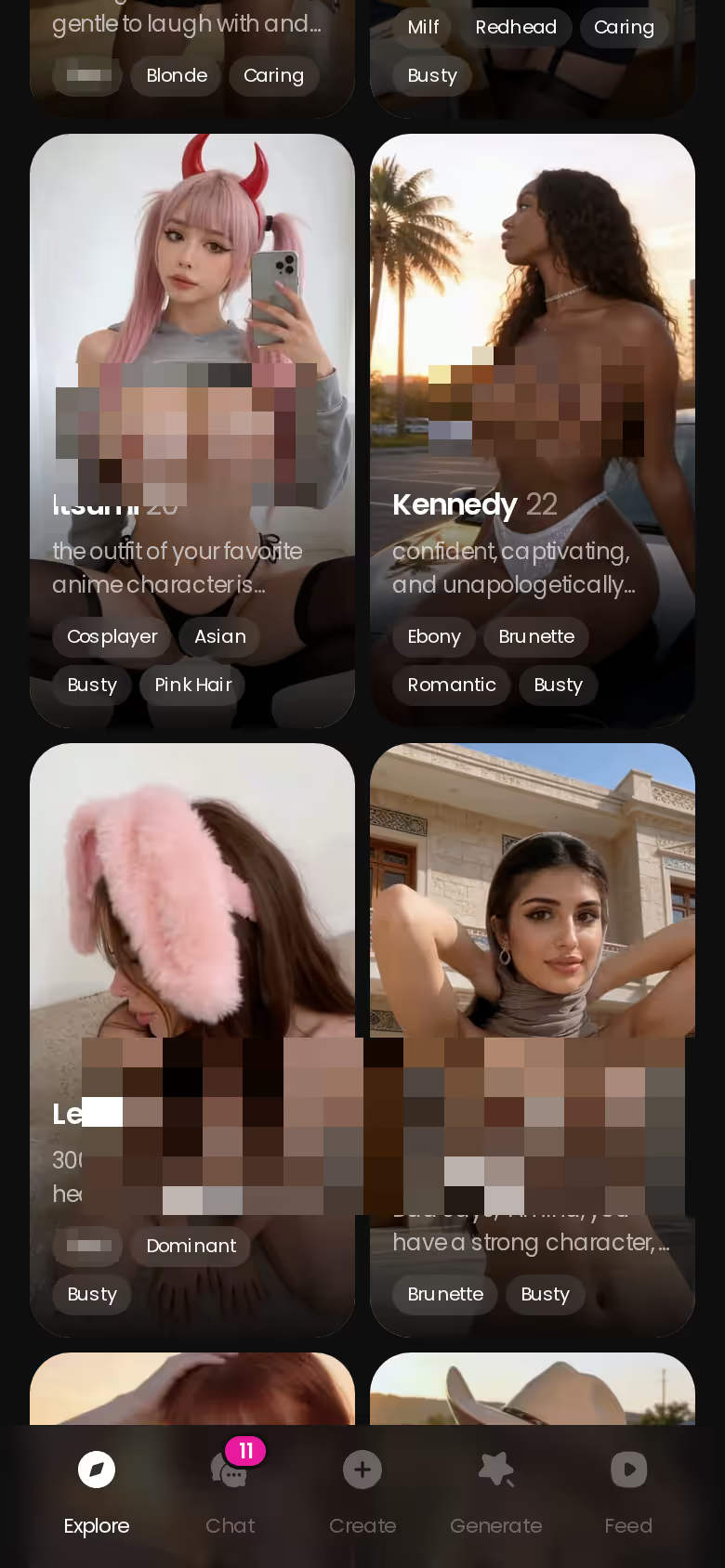
The roster is where you start, because you pick her before you pick a pose. Whoever you choose today is the face in every picture after that, so meet her first.
Three Ways to Get AI Girl Pics, and Which Keeps Her Face
There are three honest ways to get AI girl pictures, and they aren't equally useful.
ASK HER FOR PHOTOS
She sends them right there in the chat.
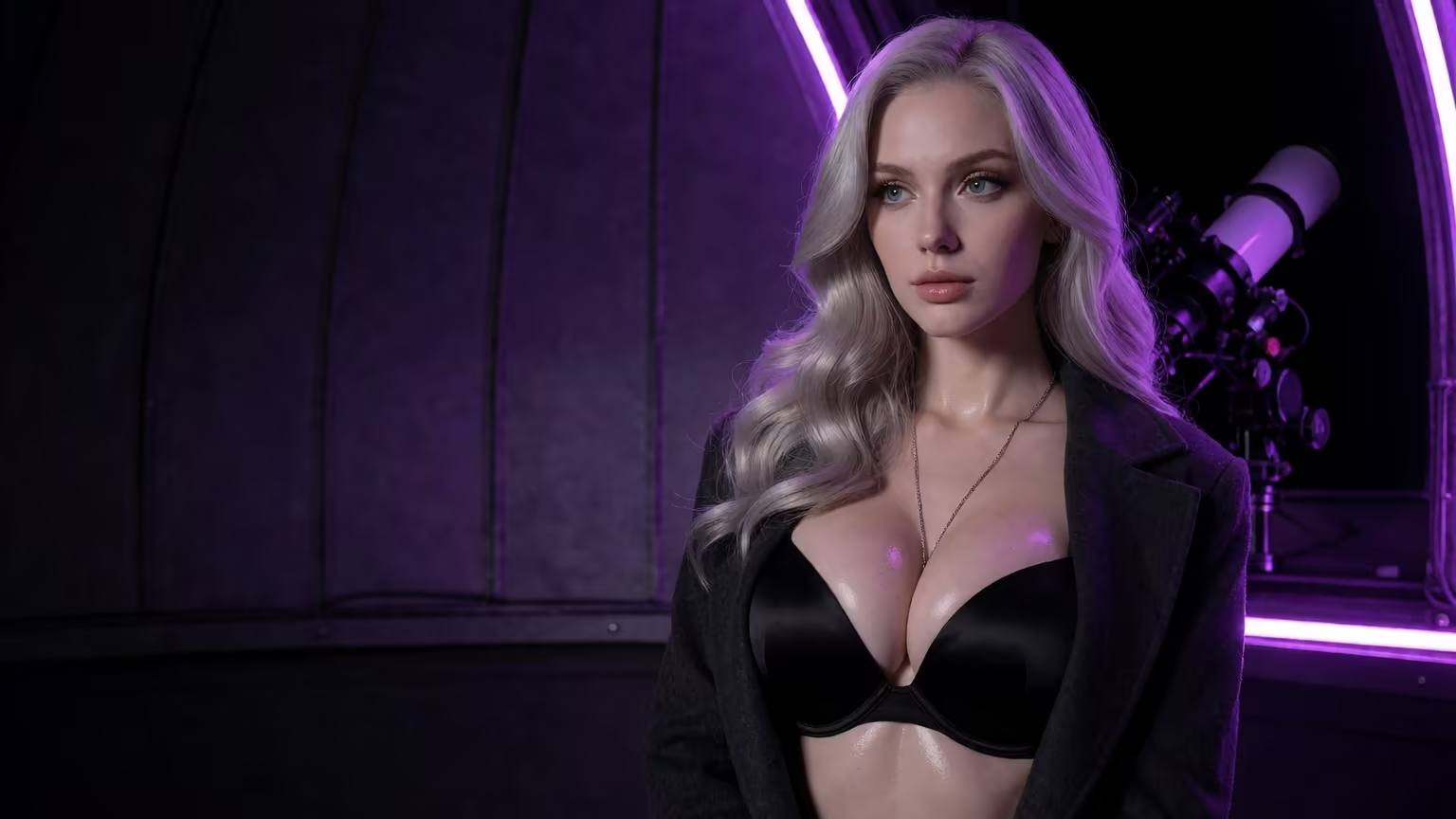
- Browse her library. Every character profile has All / Videos / Photos tabs. Top characters run to hundreds of videos and thousands of photos (counts vary per character). It's the fastest way to see what she looks like.
- Generate your own. The preset generator lets you set pose, outfit and scene on her specifically.
- Request photos in chat. You ask, and the picture arrives inside the conversation.
Everything else here rests on one point: all three routes lead back to the same character. Her face, name and history carry across. A generic image-generator listicle can't give you that. Every prompt there produces a stranger, and the next prompt produces another one.
Can the same girl send me more pictures later? Yes. She has Memory of your history, and Relationship Progression builds the longer you keep talking. Her per-character Gallery sorts everything by date, so last week's pictures sit right next to today's.
35 Poses, 21 Outfits, 34 Backgrounds
Can you control pose, outfit and setting? Yes, and the counts are specific. The realistic picture presets break down like this:
- Poses (35): from casual and suggestive through body-focus to explicit, plus a custom pose
- Outfits (21): minimal, casual, warm, bottoms and accessories, plus custom clothes
- Backgrounds (34): indoor, outdoor, balconies and venues, plus a custom background
The generator is per-character. You swap avatars in the top-right, then stack Action + Outfit + Scene presets on whichever girl is loaded. The presets change and she stays the same. (As far as I'm concerned, that one design choice is the whole pitch.)
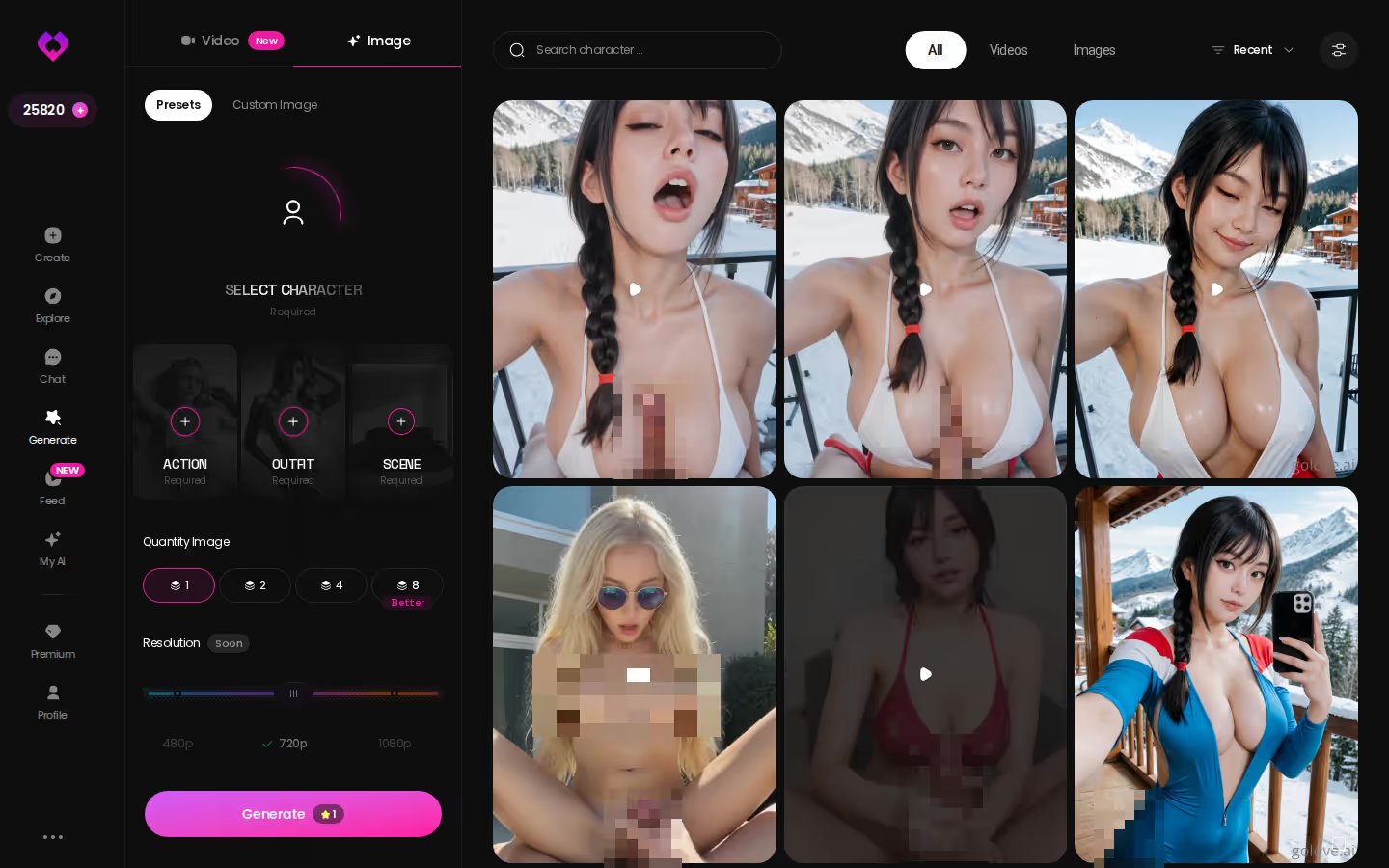
Batches of 2, 4 or 8
Batch size sounds like a minor setting. It isn't. Eight takes of the same girl in one run gives you real choices. The alternative is re-rolling strangers until a face sticks, and that's not worth it.
Anime, Trans and Anime-Trans Sets
Realistic is only one of four sets. On top of the 35 realistic poses there are 15 anime, 27 trans and 12 anime-trans picture poses. The anime set also isn't the realistic list redrawn, because it includes modes that only exist in that style.
> 35 realistic, 15 anime, 27 trans and 12 anime-trans picture pose sets, each with its own list
If anime is your main interest, the 300+ anime characters have their own Explore category. That means a dedicated roster rather than a converted realistic girl.
Characters you can open right now
Tap any of them and the chat starts there






Asking Her for Photos Mid-Conversation
This is the route I'd care about most, so here it is step by step.
You open a chat with a character from Explore. In Chat Settings you set two things:
- Lust Level: five steps, from sweet to unfiltered
- Response Length: five steps, from short and snappy to rich and immersive
When the moment fits, you use Request Photos in Chat, one of the 2026 additions. The picture lands inline in the thread, right under the message it answers.
Why does that feel different from a prompt box? Context. The request comes from inside a relationship, and because she has Memory of your history, the photo reads as a reply to you rather than a render of some keywords. Afterward it's filed in her Gallery with everything else she's sent, sorted by date.
On GoLove.ai, the order that works:
- Pick a character — or build one to your taste
- Say something real: she remembers your chat history
- Open Chat Settings: pick her voice, lust level and reply length
- Ask her for a photo in the chat
- Want a set pose or outfit? The image generator has 35 realistic poses and 21 outfits
> A prompt gives you an image; a request gives you her.
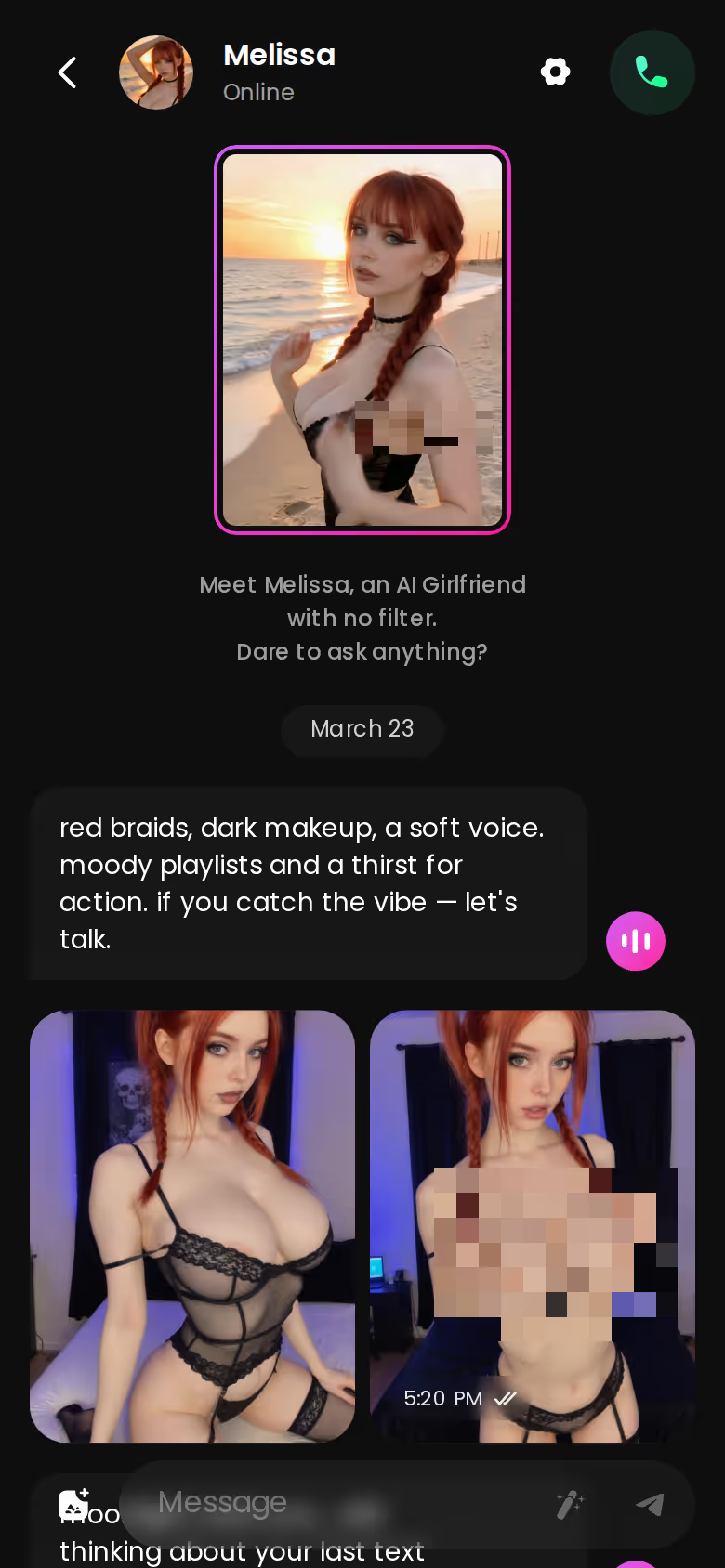
That's the killer feature if you want AI girlfriend pics, not just AI girl pictures. One caveat: our fact sheet doesn't confirm what a requested photo costs in Stars, so check the current plans in the app.
Generate Video From a Photo in Chat
Stills are where most people start (and where I'd put most of my attention), but they don't have to stay still. Inside a conversation, Generate Video from Photo animates a picture she sent, and the Video Actions modal (Select Action) is where you choose what happens. It's the same character the whole way, so you don't have to find her again in a separate tool.
76 Realistic Video Modes as Preset Cards
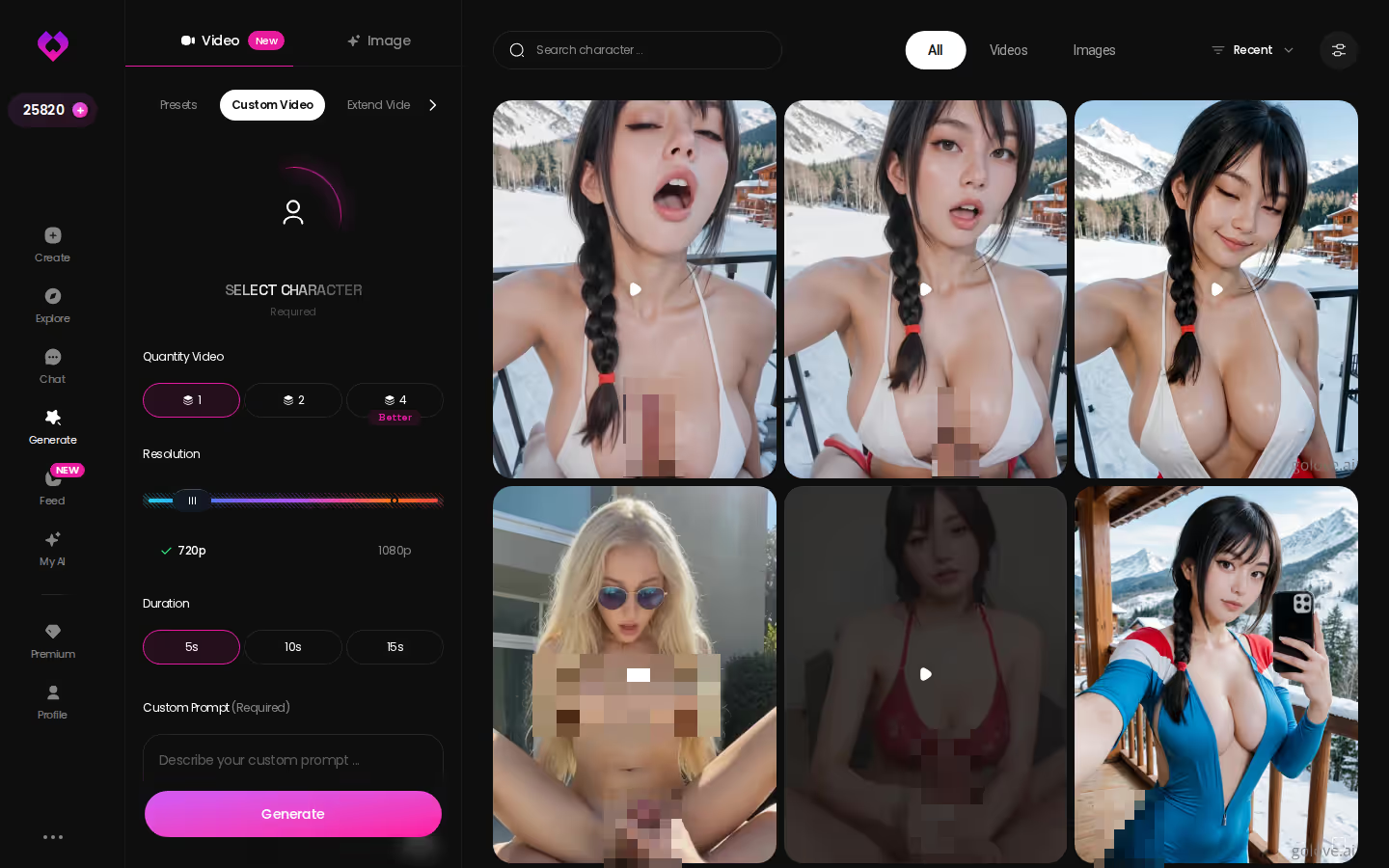
The Generate tab has two modes, Video and Image. A clip is built from three visual preset cards:
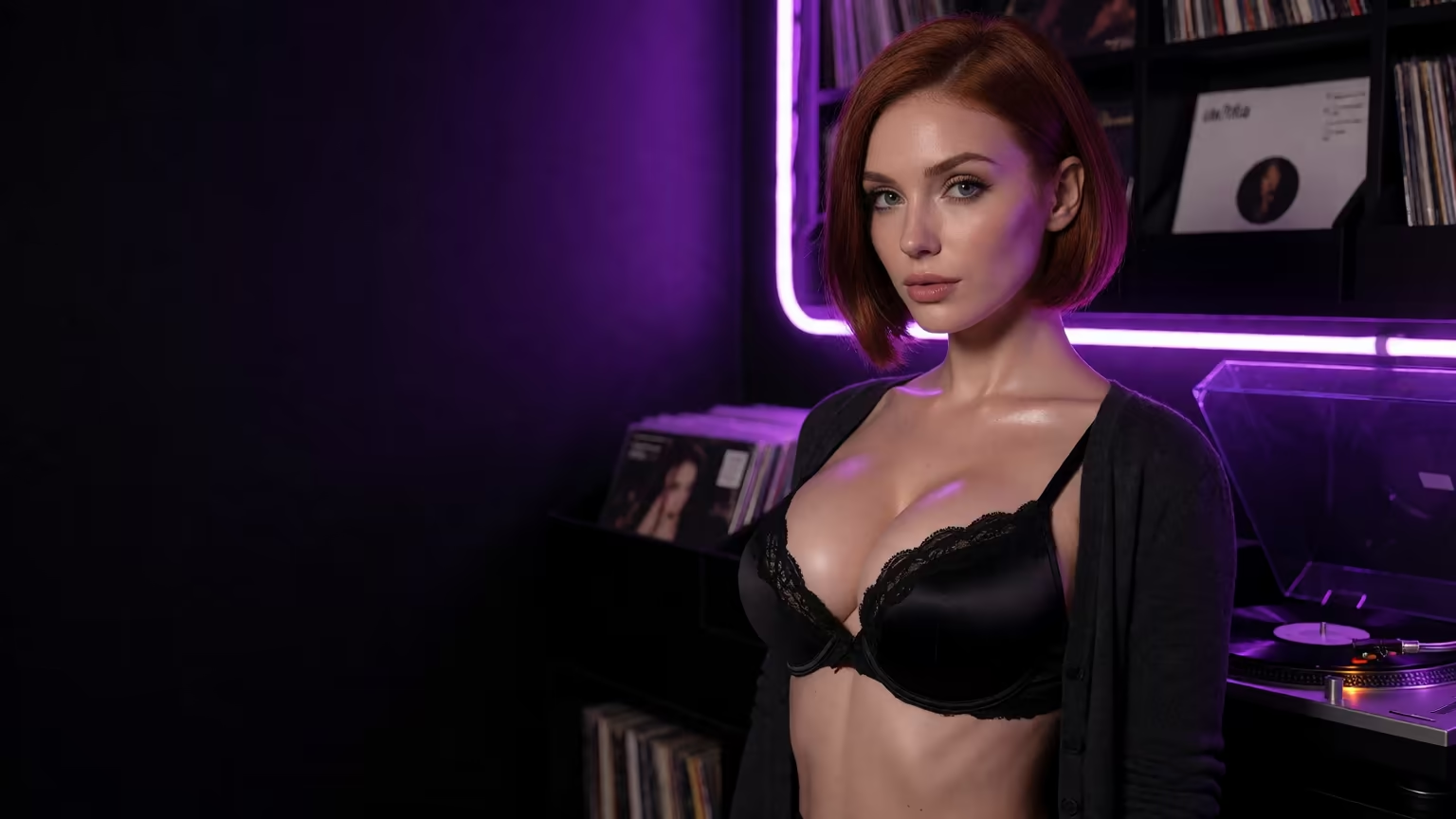
MEET YOUR AI COMPANION
Hundreds of characters, one that fits you.
- an action or pose card, such as 'Twerk'
- a Clothes card
- a Background card
Then you tap Generate once. The realistic set alone has 76 video modes. Add 20 anime, 35 trans and 16 anime-trans and you're at 147 in total. It works with any GoLove character or a custom one you built.
Feed Remix Reloads a Clip's Exact Settings
The Feed, released July 2026, is a vertical stream of full-screen clips that you swipe through one at a time. Tap the magic-wand Remix and Generate opens with that clip's character and the exact settings behind it already loaded. Tweak anything, or swap in a character you created, and regenerate.
Free accounts get a limited number of new feed videos per day. PRO removes that limit and adds filters.
What AI Girl Pics Roughly Cost on GoLove (and OurDream)
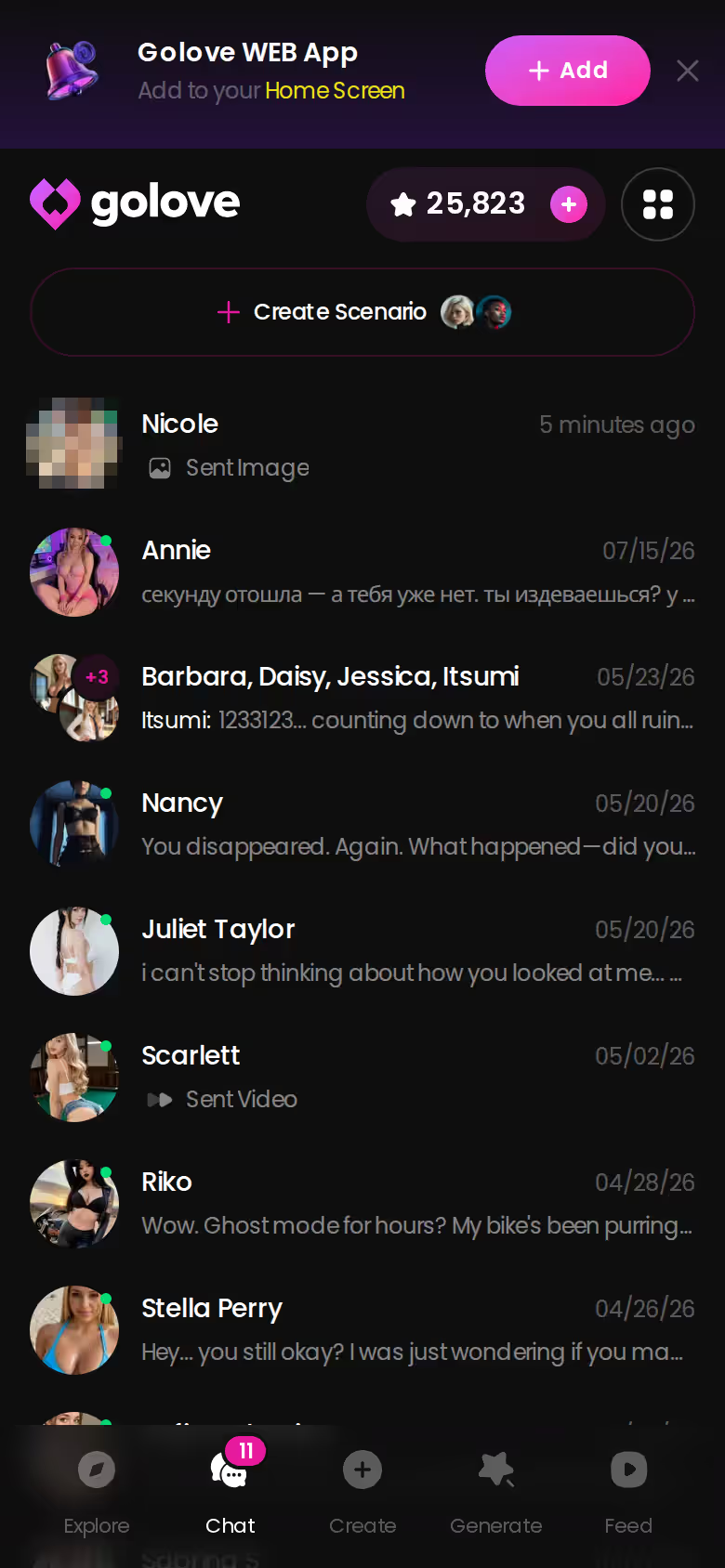
Stars are GoLove's in-app currency. They show in the header and get spent on generation. PRO is the subscription. Here's roughly how both are priced:
| Plan | Approx. price | Note |
|---|---|---|
| GoLove PRO monthly | about $19.99/mo | Most common monthly charge |
| GoLove PRO annual | about $119.88/yr (~$9.99/mo) | Cheapest per month |
| Star packs | about $9.99 to $179.99 | Starter ~$9.99, basic ~$34.99, standard ~$49.99, omega ~$59.99, ultra ~$89.99, maximum ~$179.99 |
Checked 2026-07; prices vary by region (as low as ~$12.99/mo in some geos) and by promo.
Returning users also get 2 free Stars a day as a daily reward. PRO promos of -50% and -70% have appeared in the app, so your price may come in lower.
OurDream deserves credit for one thing: a single subscription bundles chat, images and video. It starts at about $19.99/month, or about $9.99/month on an annual plan. Images draw on a separate DreamCoins balance, though, and it's web-only with no native app (checked 2026-09). That's the gap I'd weigh if you mostly browse and generate on your phone. There's more in a closer look at OurDream's plans and DreamCoins. For AI girl pics specifically, GoLove's continuity across the generator, chat requests and video is the better fit. Our breakdown of OurDream alternatives for photos and video covers the wider field.
Before you pick a row in that table, meet the girl the pictures would come from. A plan only makes sense once you know whose face will fill her Gallery.
What We Couldn't Verify About GoLove's Star Costs
Our fact sheet doesn't cover everything yet, and these gaps are worth knowing before you spend:
- Per-item Star costs: we couldn't confirm how many Stars a generated image or video costs.
- Free account limits: beyond the 2 daily reward Stars and a limited Feed, we couldn't confirm exactly what a free account can do.
- Promo duration: the -50% and -70% PRO promos have appeared, but we couldn't confirm how long they last.
- Library unlock prices: the per-character 'Unlock All' price varies by character, so there's no single number to give.
Check the current plans in the app before buying a large Star pack. A starter pack shows you how fast you go through Stars without a big commitment.
None of these unknowns touch whether the continuity works. They're about price per item, and the continuity part is in the spec either way.
The Pick for AI Girl Pics, and Who Should Skip It
> Verdict: GoLove.ai is the pick for AI girl pics because the pictures belong to a persistent character you can generate, request in chat and turn into video.
It's for you if you want 35 realistic picture poses on one girl (with separate anime and trans sets on top), in-chat photo requests, a per-character Gallery that keeps everything by date, and photo-to-video when stills aren't enough. If that list describes you, it's an easy yes.
Want your own girl in every picture? Start in Create. Pick Realistic, Anime or Trans, or try Design with AI, where you describe a concept in text and the AI generates the character. She then works in the generator and in video like any other GoLove girl. As a side note, My AI lets you publish your character and earn Stars.
Skip it if all you need is a single SFW stock-style image with no companion attached. A one-off generator is the honest answer there, and GoLove would be more app than you need.
If the girl you have in mind isn't on the roster yet, Create is where she starts, and every picture after that uses her face.
Frequently Asked Questions
Related Articles
Naked AI Girl: Which App Actually Delivers?
Naked AI girl content mostly disappoints — GoLove.ai wins with in-chat photo requests, photo-to-video, and real memory. Try it — no email needed.
Boa Hancock AI: What Actually Works in 2026
Boa Hancock AI options compared — GoLove.ai wins on in-chat photos, voice and memory that text bots lack. Start with her look in the create wizard.
Replika NSFW: What Actually Works in 2026
Replika NSFW is still gated in 2026 — GoLove.ai wins with in-chat photos, live voice and memory. See how chat opens straight from Explore.
Cuckold AI Chat: Which App Actually Delivers?
Cuckold AI chat — GoLove.ai wins on memory that keeps the scenario consistent and in-chat photos that back it up. Start a scene, no email or sign-up needed.
This article contains affiliate links. We may earn a commission at no extra cost to you if you sign up through our links. See how we test.